
TV Moving Mistakes That Crack Screens and Void Warranties
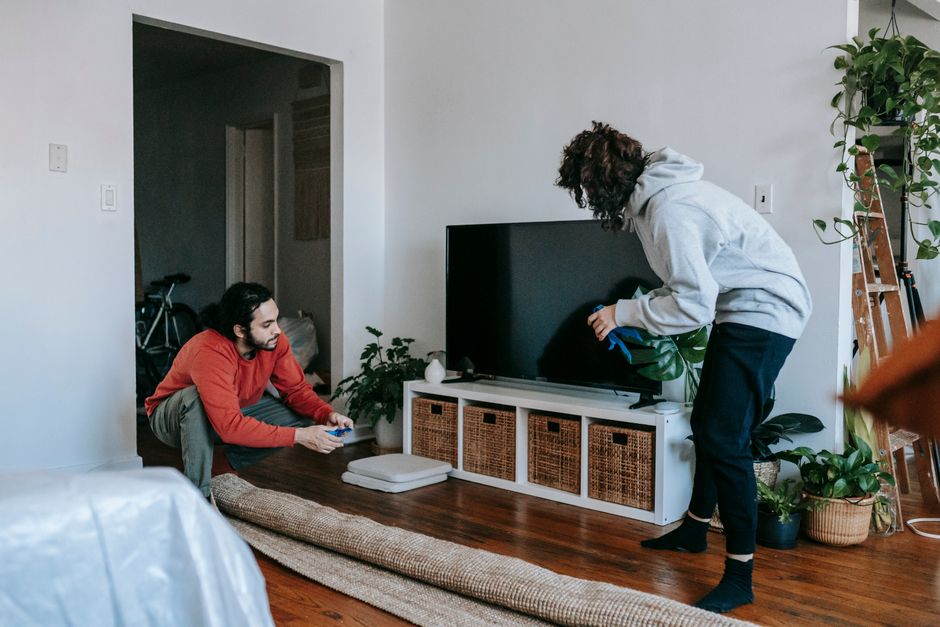
Knowing how to move a TV correctly is something most people don't think through until they're standing in the living room with a 65-inch flat screen, no original box, and no clear plan for getting it into a truck without shattering the panel. A TV looks deceptively manageable — it's thin, it's relatively light compared to a dresser or sectional, and it doesn't have legs or hardware that needs disassembling. But flat-screen televisions are among the most commonly damaged items in any move, and the damage is almost always permanent. LCD and OLED panels crack internally with surprisingly little pressure, and once a screen is broken, there is no repair — only replacement.
Need a professional crew to handle the heavy lifting so your TV and furniture arrive without damage? Call 224-404-0069 or get a free labor-only moving quote from Lift & Load today.
Why Moving a TV Is Riskier Than It Looks
The core problem with moving a flat-screen TV is that the screen itself is the most structurally vulnerable surface on the item — and it's also the largest, most exposed surface you're carrying. Unlike a piece of wood furniture that can absorb a bump or a scratch and still function, a TV panel is a precisely engineered layer of glass, liquid crystal or organic compounds, and backlight components. Apply pressure unevenly across that panel — even pressure that feels moderate to you — and you can fracture the internal matrix in ways that won't show up until you plug the TV back in and see a spiderweb of dead pixels or a black bleed patch spreading from one corner.
The second problem is how people carry TVs. The natural instinct is to grab the sides of the frame and carry it horizontally, face-up, like a serving tray. This is one of the worst approaches. Carrying a large TV face-up means the center of the screen is unsupported and flexes under its own weight. A 65-inch panel held at both ends will bow slightly in the middle — that flex puts stress directly on the internal layers. The correct carry position for almost every flat-screen TV is vertical, held by its frame edges with the screen face parallel to the ground (i.e., upright, not laid flat).
The third problem is vibration and impact during transport. Even inside a padded moving truck, a TV that isn't properly protected and secured can be damaged by road vibration, sudden stops, or contact with other items in the load. A moving blanket thrown over the screen is not sufficient protection on its own — the screen still needs a rigid backing to prevent flex, and the corners need cushioning to absorb impact.
Step 1: Disconnect and Label Everything Before You Touch the TV
Before the TV comes off the wall or stand, disconnect everything attached to it and label it clearly. This step takes five minutes and prevents an hour of frustration when you're setting up at the new location.
Cable Management Before Disassembly
Start by photographing the back of the TV with your phone. Take one photo that clearly shows every cable, which port it's in, and which direction it runs. This photo will be more useful than any memory you have of how things were connected, especially if the move takes more than a day or if someone else is reassembling.
Remove each cable individually and label it with a piece of masking tape and a marker — HDMI 1, HDMI 2, optical audio, power, ethernet, and so on. Coil each cable loosely and secure it with a twist tie or velcro strap. Do not fold cables sharply or bundle them in a tight knot; this can damage the internal conductors, particularly on HDMI and optical cables.
If the TV is wall-mounted, do not attempt to remove it alone. Most wall mounts require one person to support the TV's weight while a second person unscrews the mounting arm or releases the bracket locks. Wall-mounted TVs can weigh anywhere from 30 to over 80 pounds depending on size, and the leverage involved when reaching across a mounted screen makes it easy to drop or torque the panel unexpectedly.
Removing the Stand
If the TV is on a stand, remove the stand before moving the TV anywhere. Most modern stands attach with a small number of Phillips-head or hex screws at the bottom of the TV. Place the TV face-down on a soft, flat surface — a clean blanket or foam pad on the floor works well — to access the screws safely. Keep the screws in a labeled zip-lock bag taped to the stand itself. Stands that stay attached during a move add unstable leverage points and can cause the TV to topple if bumped.
Step 2: Pack the TV Correctly for the Move
Packing a TV without its original box is the situation most people face, and it's manageable if you understand what the original box was actually doing: providing a rigid outer shell, soft inner cushioning, and corner protection that absorbed impact and prevented flex.
The Best Option: A TV Moving Box
Purpose-built TV moving boxes are available at moving supply stores and many big-box retailers. These are adjustable corrugated boxes sized for flat screens, often with foam corner inserts. If you can get one sized for your TV, use it. The corrugated walls provide the rigid backing the screen needs, and the foam corners protect the most impact-vulnerable points of the frame. This is the closest you can get to original packaging without keeping the box from purchase.
If You Don't Have a Box
If a TV box isn't available, wrap the screen in at least two layers of bubble wrap — not foam sheeting alone, as foam provides cushioning but limited rigidity. After wrapping, place the TV between two pieces of rigid cardboard cut to match the screen dimensions and secure them with stretch wrap or moving tape (never tape directly onto the screen or frame). The cardboard sandwich provides the structural backing the screen needs to prevent flexing during transport.
Wrap the entire assembly in a moving blanket and secure it with stretch wrap. Pay particular attention to the corners — these are the points most likely to take a hit if the TV is bumped against a doorframe or wall.
Step 3: Carry and Load the TV the Right Way
Regardless of how well the TV is packed, how you carry and position it in the truck matters enormously. Most screen damage during moves happens not from a single dramatic drop but from sustained pressure during transport — the TV laid flat on top of other items, leaning at a slight angle against a hard surface, or flexing over road bumps for an hour.
Always Transport a TV Upright
Transport the TV in a vertical position — screen face parallel to the side wall of the truck, standing on its bottom edge or supported upright in a TV box. Never lay a flat-screen TV face-down or face-up in a truck. The internal panel components are not designed to support their own weight in a horizontal position over any significant distance or duration.
In the truck, the TV should be placed against a secure wall, sandwiched between soft items (like mattresses or wrapped cushions) on both sides to prevent lateral movement. It should not lean at an angle or be stacked under any other items. If you're loading a truck yourself, get a labor-only quote — having an experienced crew load the truck means the TV gets positioned correctly in relation to every other item, which is harder to manage than it sounds when the truck is nearly full.
Two-Person Carry Is Non-Negotiable for Large Screens
Any TV 50 inches or larger should be a two-person carry — one person at each short side, holding the frame (not the screen surface). The person on the heavier end (usually the bottom of the screen, near the stand attachment point) should communicate clearly about pace and direction. Never carry a large TV through a doorway sideways without confirming the depth of the frame won't catch on the door casing — this is a surprisingly common cause of dropped TVs.
Step 4: Reinstall and Test Before the Movers Leave
Once the TV is at the new location, reinstall the stand or remount it before doing anything else. Use your cable photo from Step 1 to reconnect everything. Power the TV on and do a full-screen test before you accept that the move is complete — display a solid white image and look for dark spots, pressure marks, or lines. If there's any damage, you want to identify it immediately, not days later when the context is gone.
If the TV was professionally moved by a labor crew, note any damage before the crew departs. Documenting it in real time — photos, written notes, crew acknowledgment — is the only way to establish the timeline clearly if a claim becomes necessary.
When to Call a Labor-Only Moving Crew for Your TV
Most people can move a smaller TV with one other person and the right materials. But for screens 65 inches or larger, wall-mounted installs, or moves that involve stairs, narrow hallways, or a long carry to a truck, the margin for error gets small quickly. A two-person labor crew that moves TVs regularly knows the carry angles, the truck positioning, and the right packing approach. The cost of a damaged 75-inch OLED is orders of magnitude higher than the cost of a few hours of professional labor.
If you're handling a full household move and the TV is just one of many items that need careful handling, a labor-only crew handles the physical work while you retain full control of the truck and schedule. Call 224-404-0069 or get a free quote from Lift & Load to find out what labor-only moving costs for your specific situation.








FAQs
No. You should never transport a flat-screen TV in a horizontal position — face-up or face-down. The internal panel layers are not engineered to support the screen's own weight across a flat span, and vibration during transport can cause internal fractures that show up as dead pixels or black bleed patches when the TV is powered on. Always transport a TV upright, standing on its bottom edge and supported on both sides to prevent lateral movement.
Without the original box, wrap the screen in two or more layers of bubble wrap, then sandwich the TV between two pieces of rigid cardboard cut to the screen's dimensions and secure them with stretch wrap. Wrap the entire assembly in a moving blanket and secure it. Purpose-built TV moving boxes are available at moving supply stores and offer the closest alternative to original packaging — they include foam corner inserts and corrugated walls that provide both cushioning and structural support.
Wall-mounted TV removal is a two-person job. One person supports the TV's weight while a second unscrews the mounting arm or releases the bracket locks. Never attempt this alone — the leverage involved when reaching across a mounted screen makes it easy to drop or torque the panel. Before dismounting, photograph all cable connections, then remove and label each cable individually before lifting the TV off the bracket.
Yes. Power the TV on and display a solid white or bright image before the moving crew departs. Look for dark spots, pressure lines, color irregularities, or any sign of panel damage. If damage is present, document it immediately with photos and note it before the crew leaves. Identifying screen damage in real time — while the context is clear — is essential if a claim becomes necessary.
Yes. Power the TV on and display a solid white or bright image before the moving crew departs. Look for dark spots, pressure lines, color irregularities, or any sign of panel damage. If damage is present, document it immediately with photos and note it before the crew leaves. Identifying screen damage in real time — while the context is clear — is essential if a claim becomes necessary.
Still have questions?
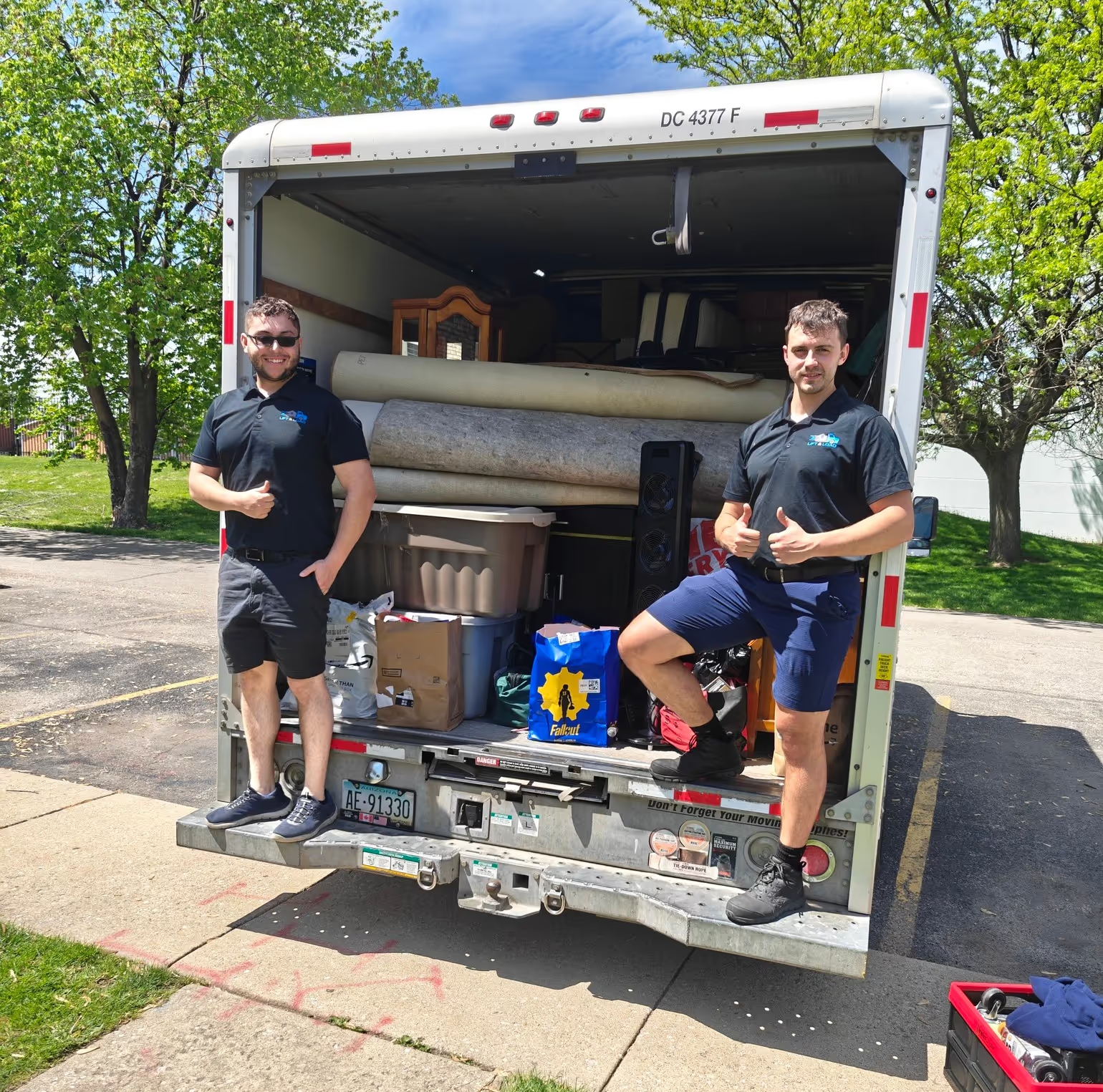
How to move with us?
Hit the “Get a Quote” button and tell us what you need.
Choose the service, date, and time that work best for you.
Our friendly team shows up on time and gets everything done safely.
Sit back while we take care of the rest.
.avif)